Mood Click
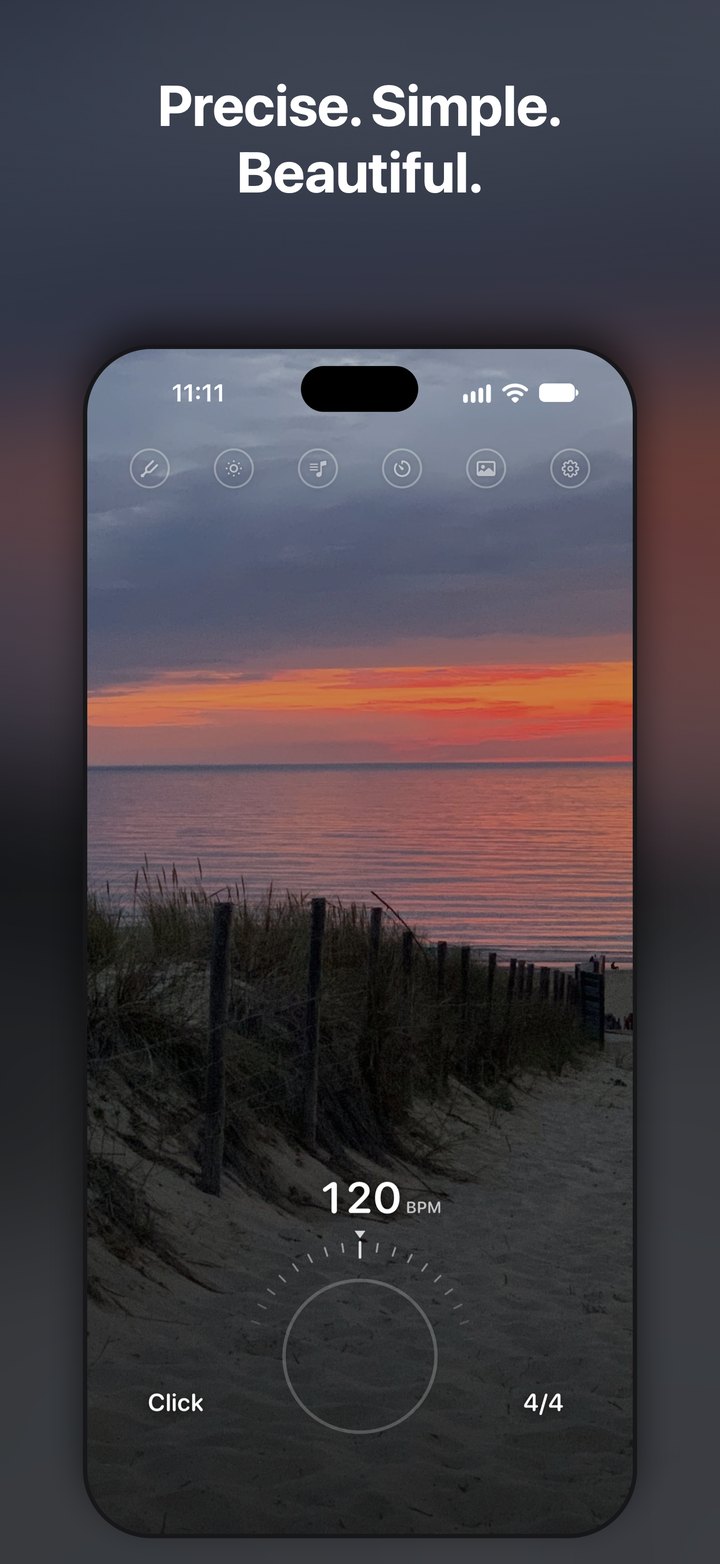
Metronome with feeling. Precise. Simple. Beautiful.
At a glance
| Platform | iPhone, iOS 17 or later |
|---|---|
| Category | Music |
| Developer | Benson Dreaming (Benjamin Burger), Cologne, Germany |
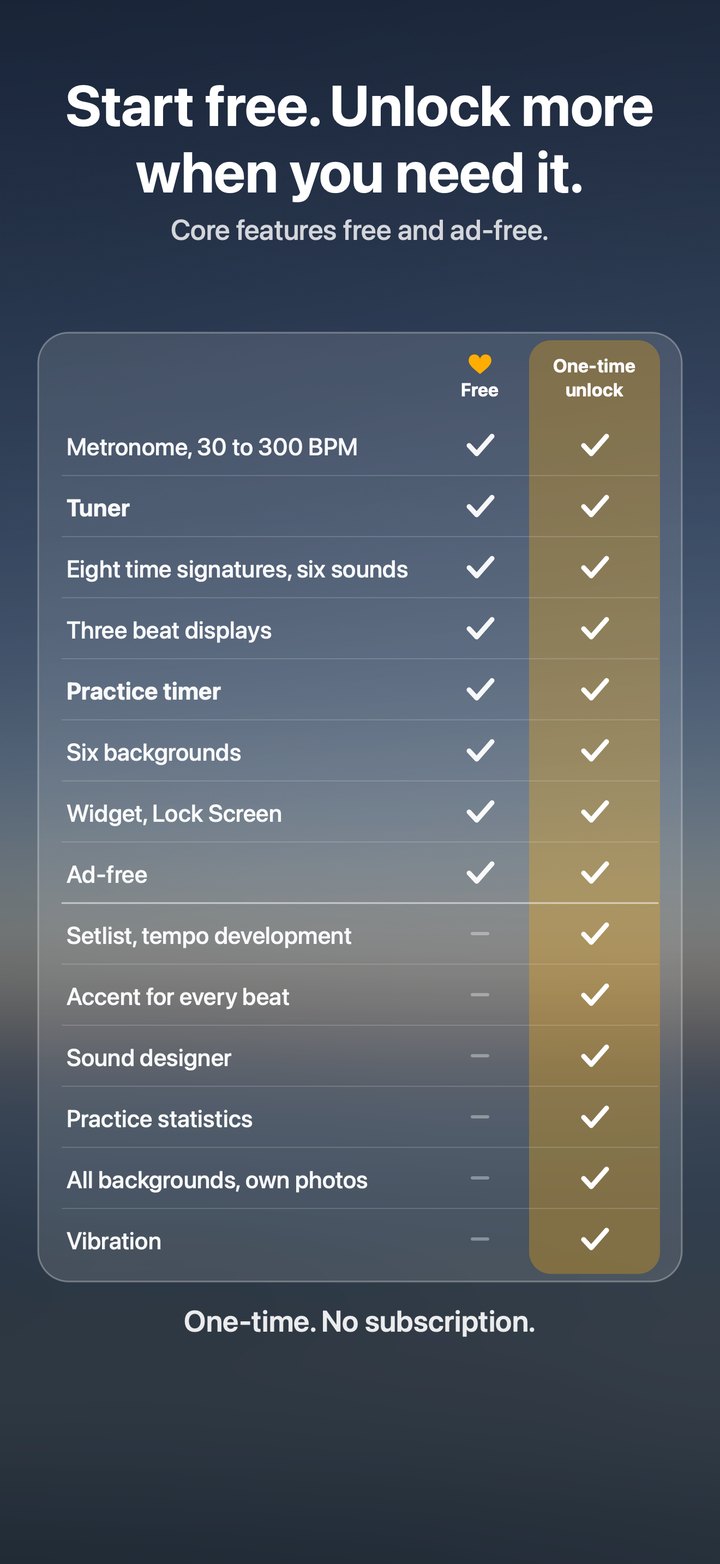
| Business model | Free to download. Advanced practice functions can be unlocked once. No subscription, no ads, no tracking. |
| Languages | English, German |
| Release | 11 November 2026, App Store |
| Privacy | Collects no personal data, needs no account, works offline. Own photos stay on the device. |
The idea
There are plenty of metronomes that can do everything. Mood Click is meant to be the one that feels good to use and is a pleasure to look at: a calm, clean interface, photographs that set the mood, and controls designed for playing.
One tap anywhere on the screen starts and stops the click. Sound, tempo and meter sit on three wheels and can be changed at any time, even while the metronome is running.
Simple on the surface. Capable underneath.
Whatever gets in the way stays out of sight. Free to use, with a metronome, a tuner and a practice timer:
- Tempo from 30 to 300 BPM, adjustable at any time
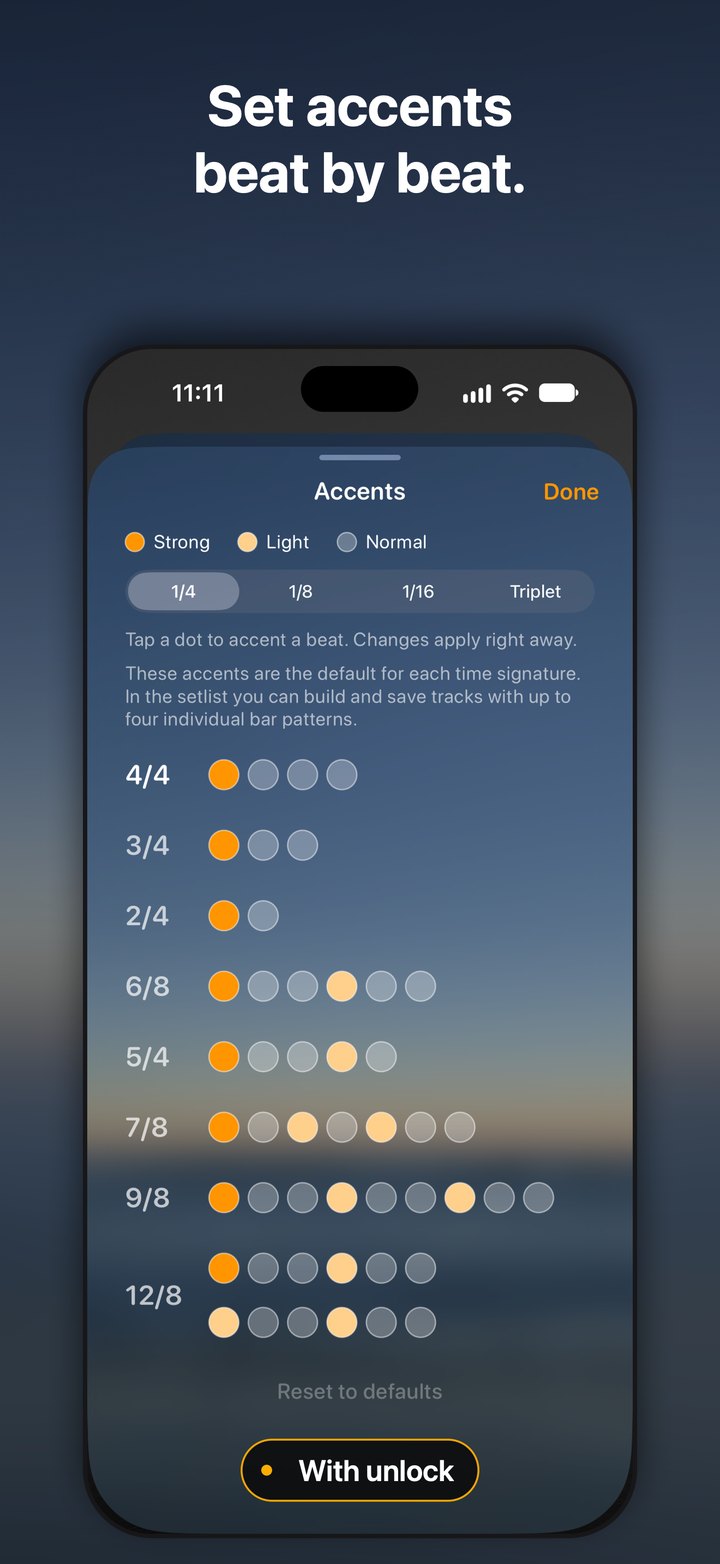
- Eight time signatures: 2/4, 3/4, 4/4, 5/4, 6/8, 7/8, 9/8 and 12/8
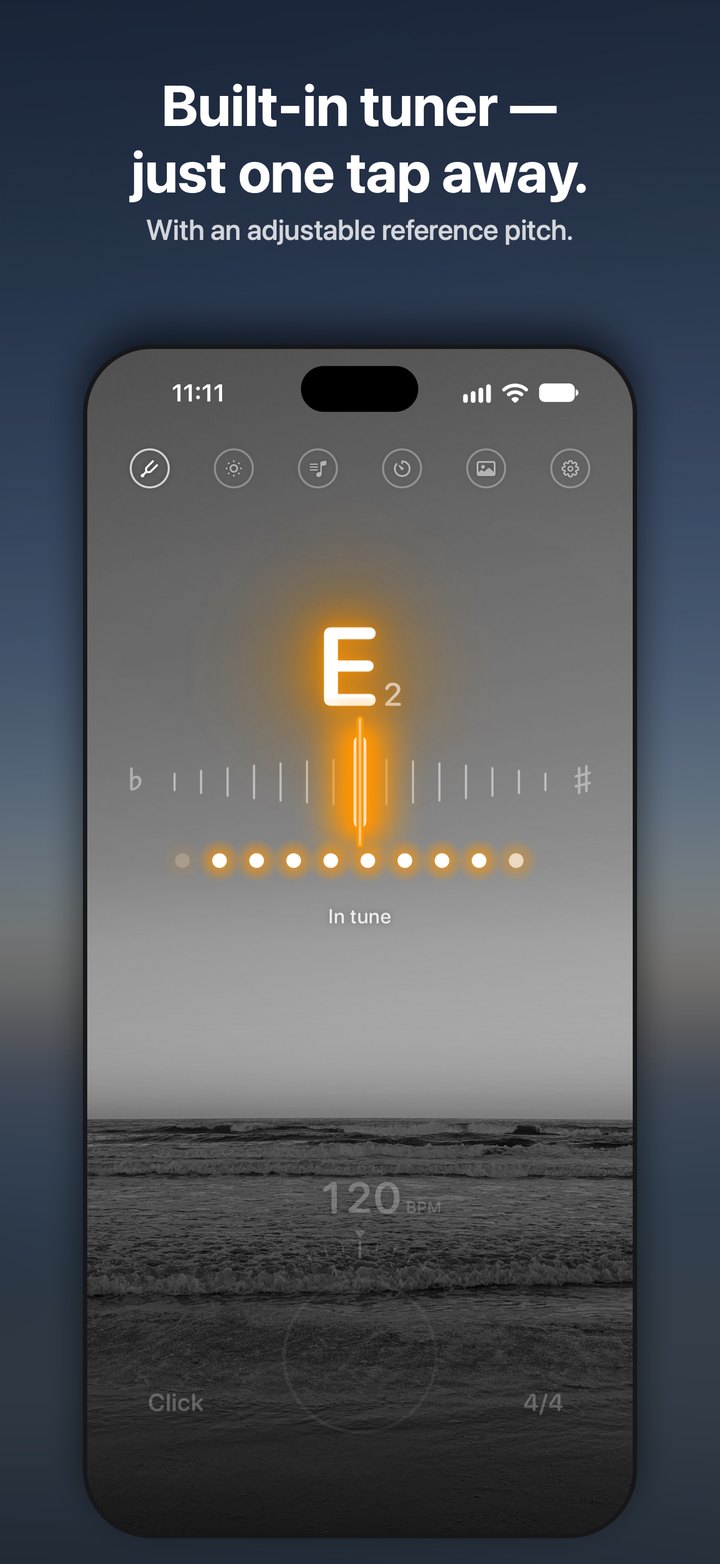
- Built-in tuner with an adjustable reference pitch
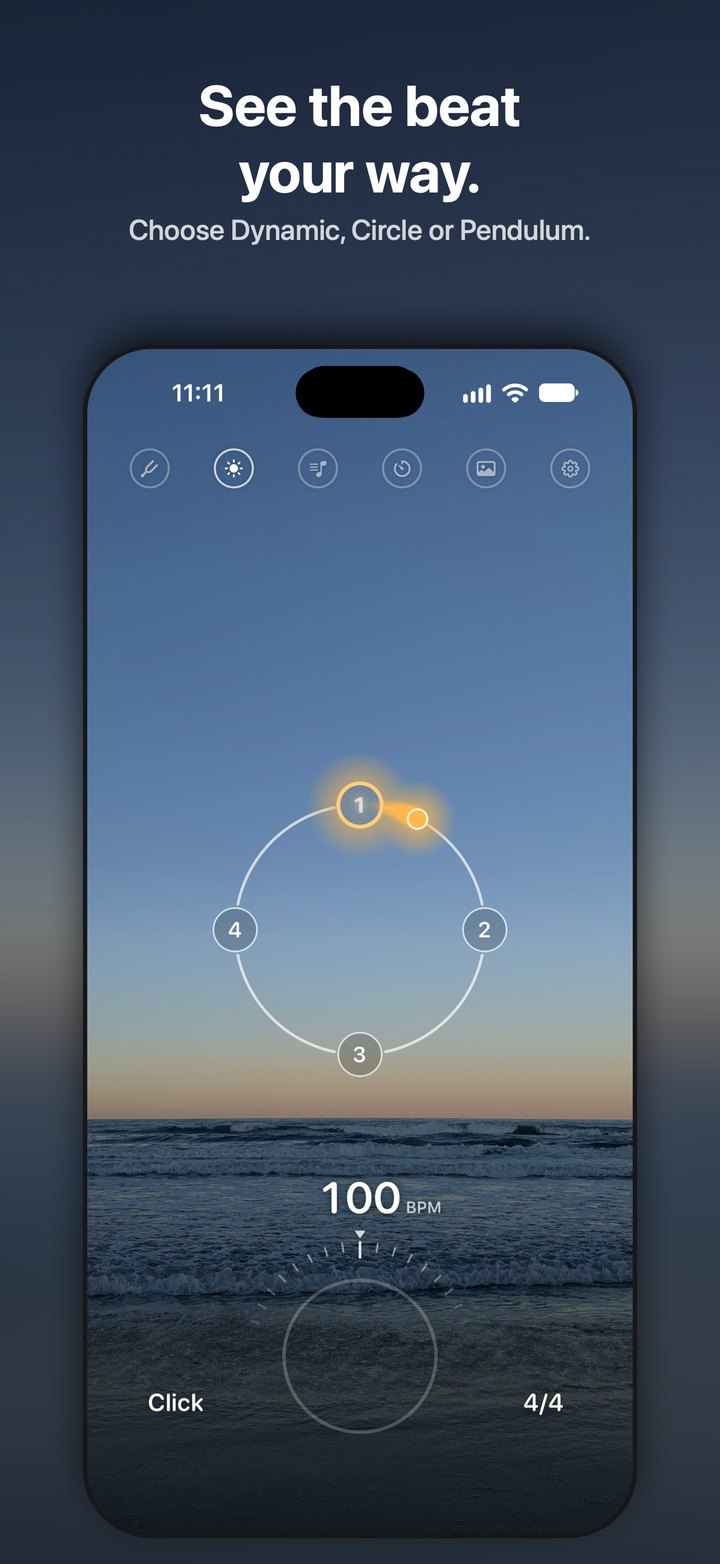
- Three beat displays: Dynamic, Circle and Pendulum
- Volume bar at the screen edge; a long press chooses the output (for example Bluetooth speakers or AirPlay)
- Practice timer with stop, gong or your own message
- Six carefully balanced sounds and sample-accurate timing
- Tap Ring: two taps set the tempo, and the metronome starts exactly one beat after the last tap
- Keeps playing with the screen locked, with play and pause on the Lock Screen; stays audible in Silent Mode
- Home Screen widget in three sizes for start, stop and tempo
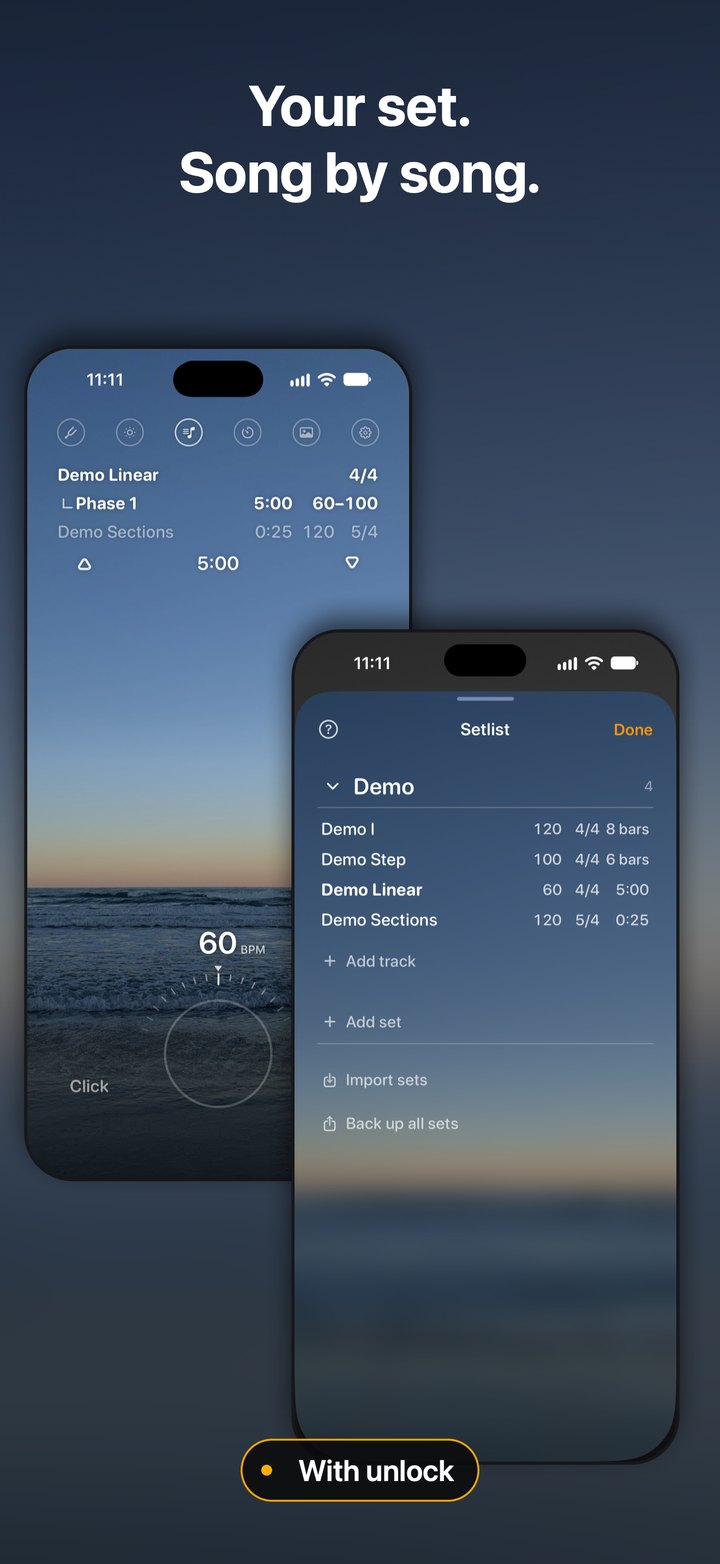
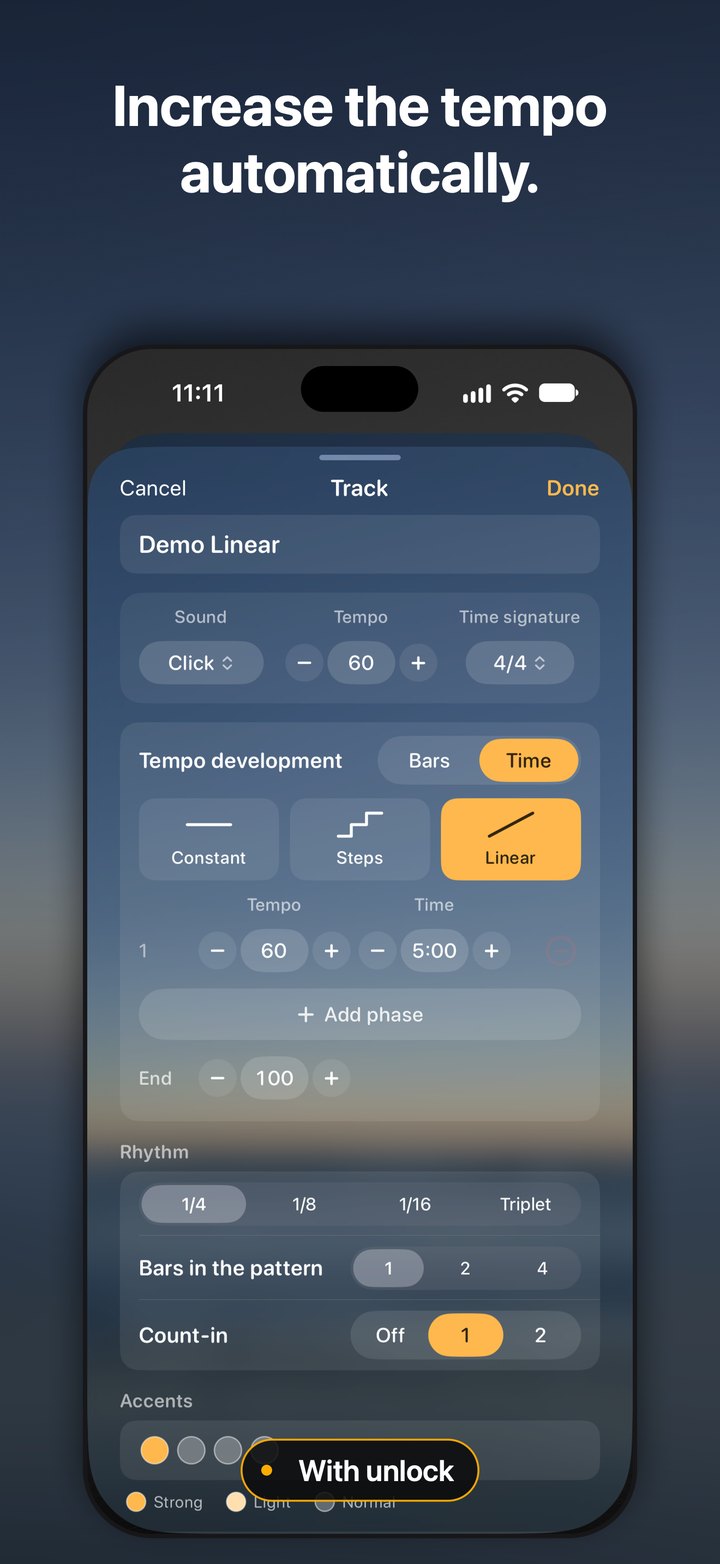
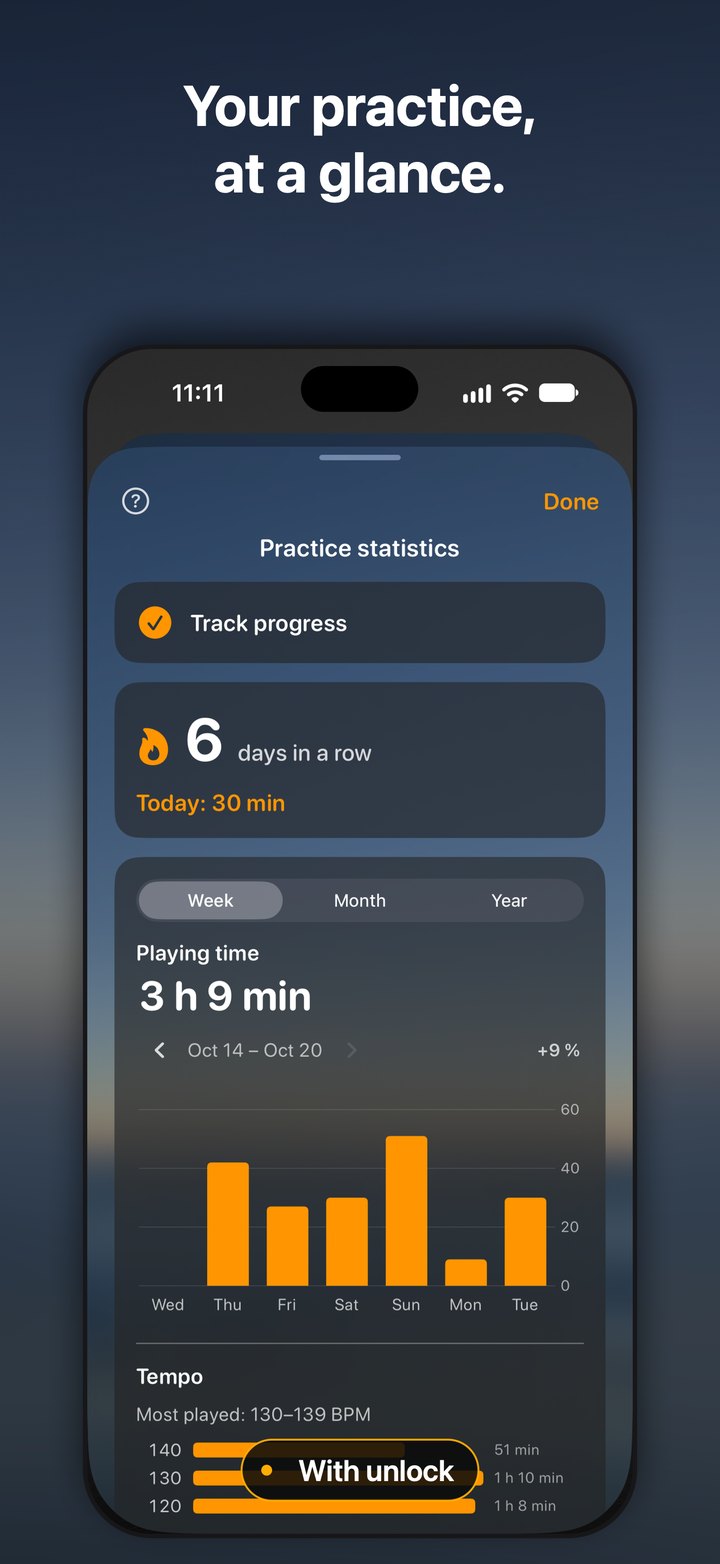
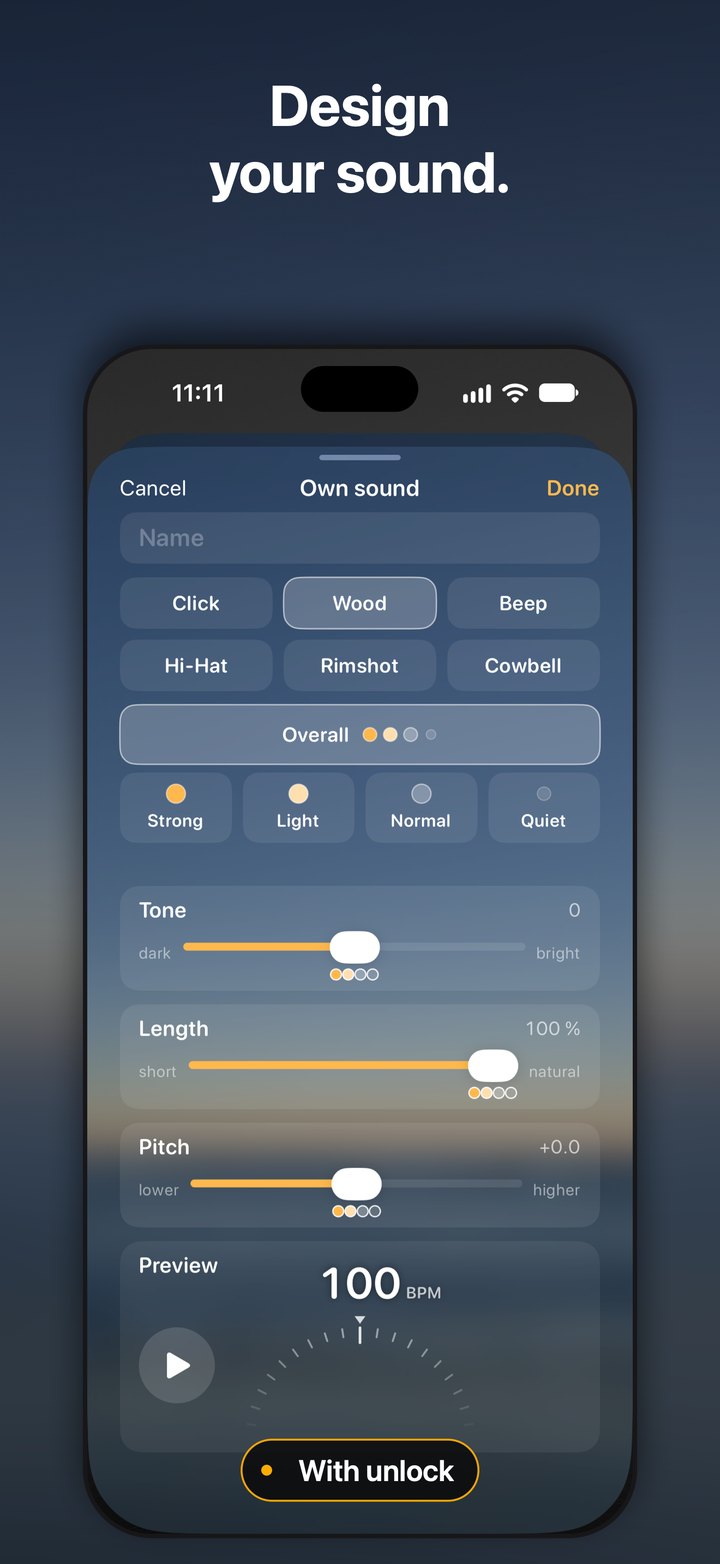
- With the one-time unlock: setlists and tempo progression, accents for every beat, Sound Designer, practice statistics, vibration, more backgrounds and your own photos, set sharing
Design that sets the mood
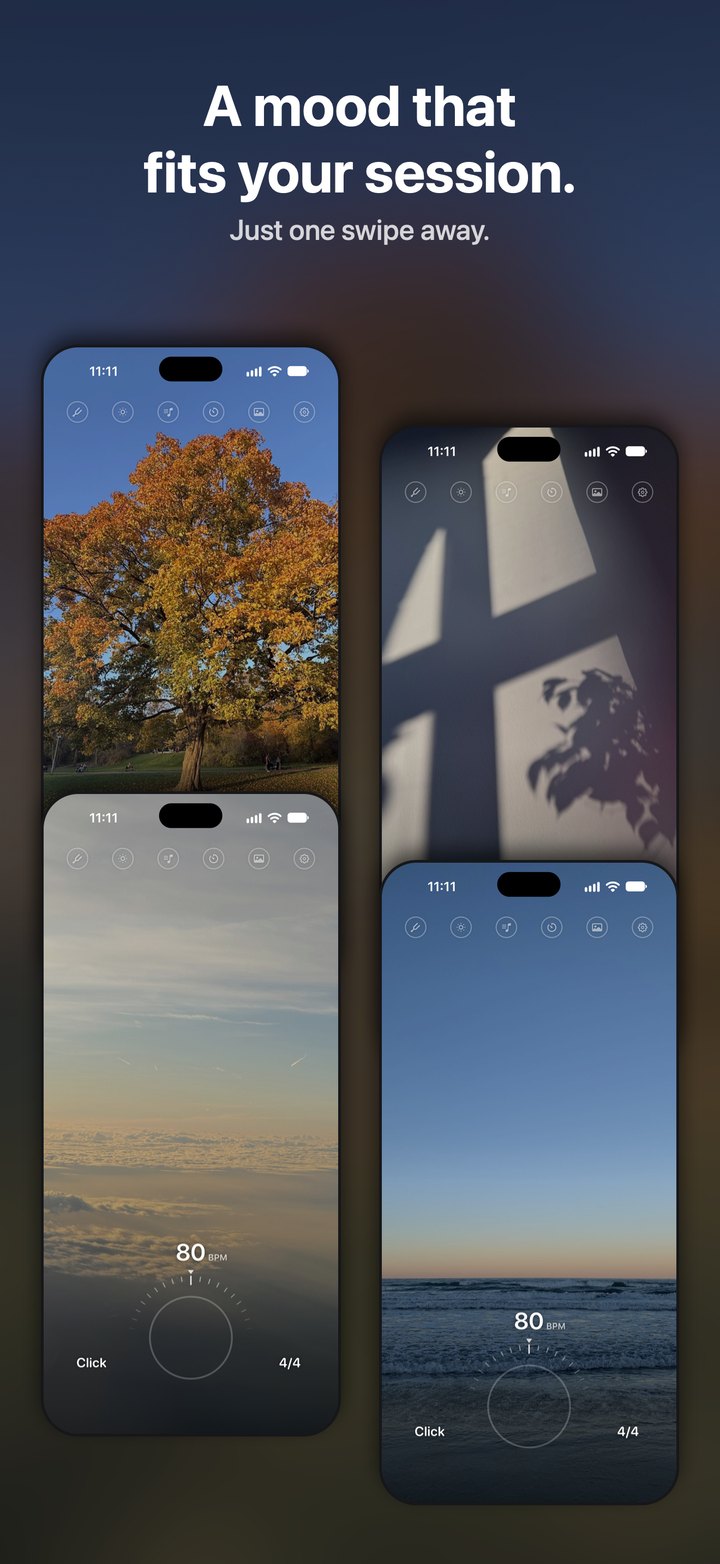
Photographs in the background give every session its own atmosphere. They appear in color while the metronome plays and turn gray when it stops. Own photos from the camera or the library can be used as well; they stay on the device and are never uploaded.
The Home Screen widget takes over the current background. Own photos come with the unlock.
Accessibility
Mood Click supports VoiceOver, Voice Control, Larger Text (including the Accessibility sizes), Increase Contrast, Reduce Motion and Differentiate Without Color. The details, including what does not work yet, are on the accessibility page.
Video
Screenshots
Downloads

Contact
Benjamin Burger, Benson Dreaming, Cologne, Germany
support@bensondreaming.com
Review copies and further material on request.